Google Merchant Center
Load your product catalog from a Google Merchant Center feed, so AI shopping placements can be matched to your real products. You preview before anything is written.
If you already run a product feed for Google Shopping, you do not need to rebuild it. Point MentionFlow at that same Merchant Center feed. It loads your catalog, so every product an AI assistant puts in a shopping carousel can be matched back to a real product of yours. Then you can see whether you are winning or losing the AI shelf.
How to import a Merchant Center feed
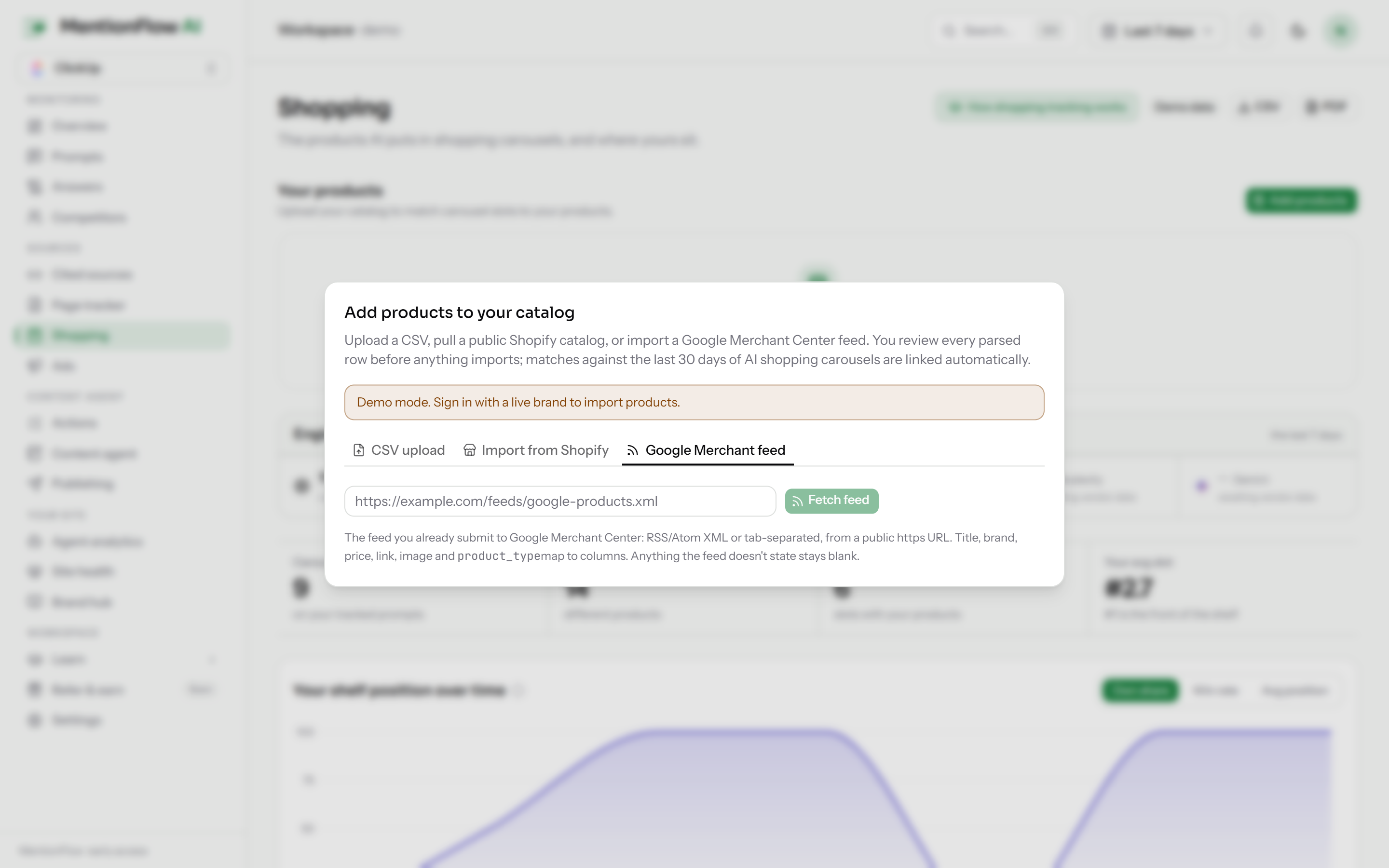
- Go to Shopping and click Add products, then open the Google Merchant feed tab.
- Paste your feed URL. MentionFlow accepts the common shapes: RSS, Atom, or TSV. Whatever format your feed is already in will work.
- Review the preview of the products it read, then Confirm to import. Nothing is written until you confirm.
The parser is forgiving on purpose. If part of your feed is malformed, MentionFlow imports what it can read cleanly rather than rejecting the whole file. Re-importing the same feed updates your existing products in place, matched on product URL, or on source and title when there is no URL. Refreshing never creates duplicates.
Good to know
- This is a feed import, not a live Merchant Center API sync. Re-run it to pick up catalog changes.
Related
- Product imports: the other ways to load a catalog (CSV, Shopify).
- Catalog: where your imported products live.
- Shopping overview: what you can see once your catalog is loaded.