Product imports
Three ways to add products to your catalog: CSV, a Shopify public products.json, or a Google Merchant Center feed. All preview first, and all are safe to re-run.
Before MentionFlow can tell you whether AI assistants recommend your products, it needs to know what you sell. Importing loads your catalog. Then every product an engine puts on the shelf can be matched back to one of yours. There are three ways to do it. Pick the one that matches where your catalog already lives.
All three work the same safe way. You see a preview of what will be added. Nothing is written until you confirm. Re-running an import updates existing products instead of creating duplicates, so a refresh is always safe.
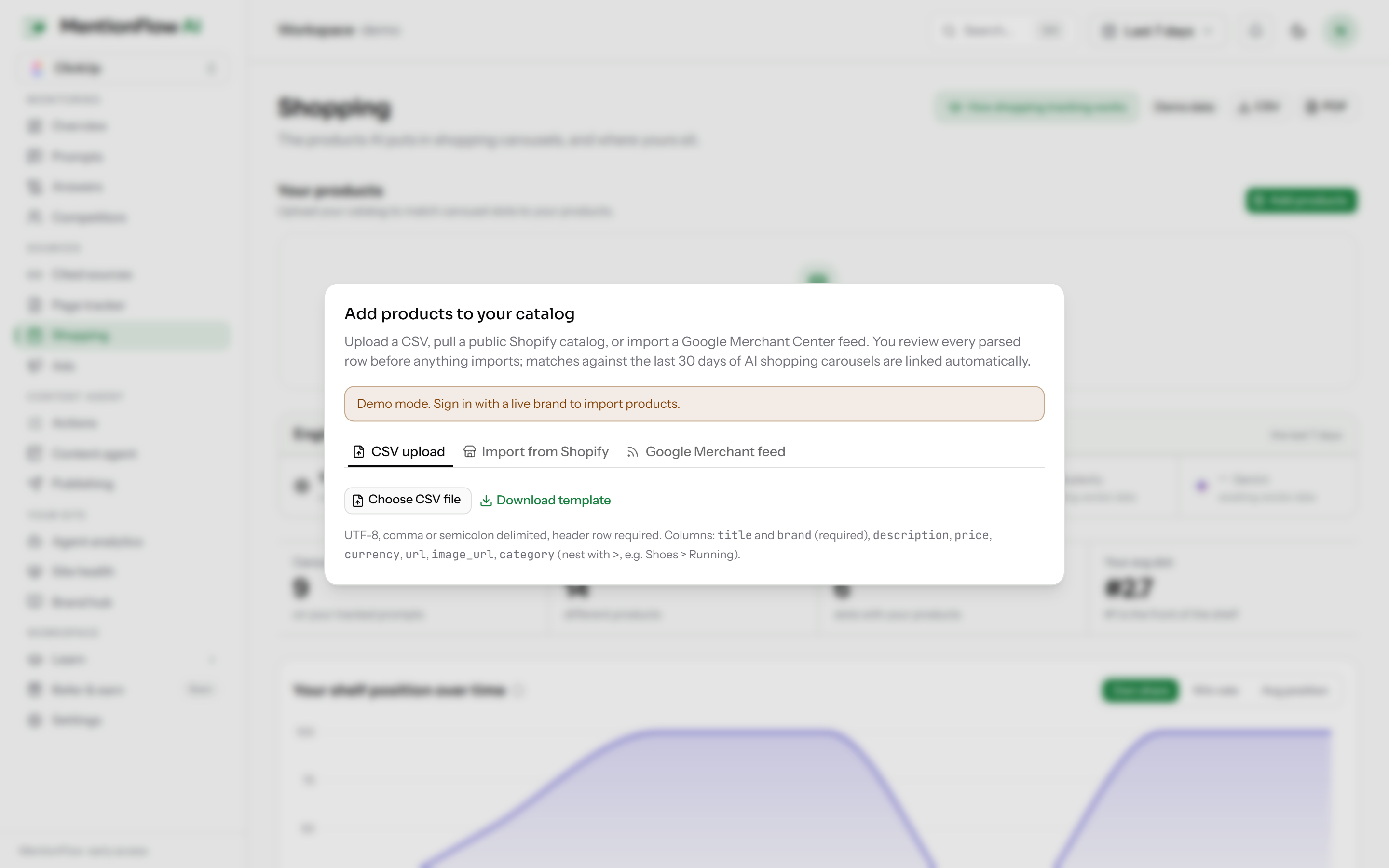
What it does
You can import products from:
- a CSV file,
- a Shopify store's public
products.json, or - a Google Merchant Center feed.
Every path shows you a parsed preview first and writes nothing until you confirm.
How to use it
| Source | Limits | Notes |
|---|---|---|
| CSV | up to 1000 rows / 5 MB | every row is checked field by field |
| Shopify | up to 1000 products | reads your store's public products.json; currency is left blank because that source omits it |
| Google Merchant Center | RSS, Atom, or TSV | forgiving parsing of the feed |
For each path you paste a URL or upload a file, review the preview, and confirm. Upserts are idempotent on the product URL. Where there is no URL, they key on source + title. The same product coming in twice updates the existing row instead of making a second one.
How it's computed
The client preview is advisory only. The server re-checks every row at the import boundary. "Nothing is imported until you confirm" has to be enforced on the server, not promised in the browser. See how MentionFlow handles missing data for the same preview-before-import principle across the product.
Limits
- CSV: 1000 rows / 5 MB.
- Shopify: public
products.jsononly (up to 1000 products). Currency is not available from that endpoint.